Setup API Gateway
1. Go to API Gateway
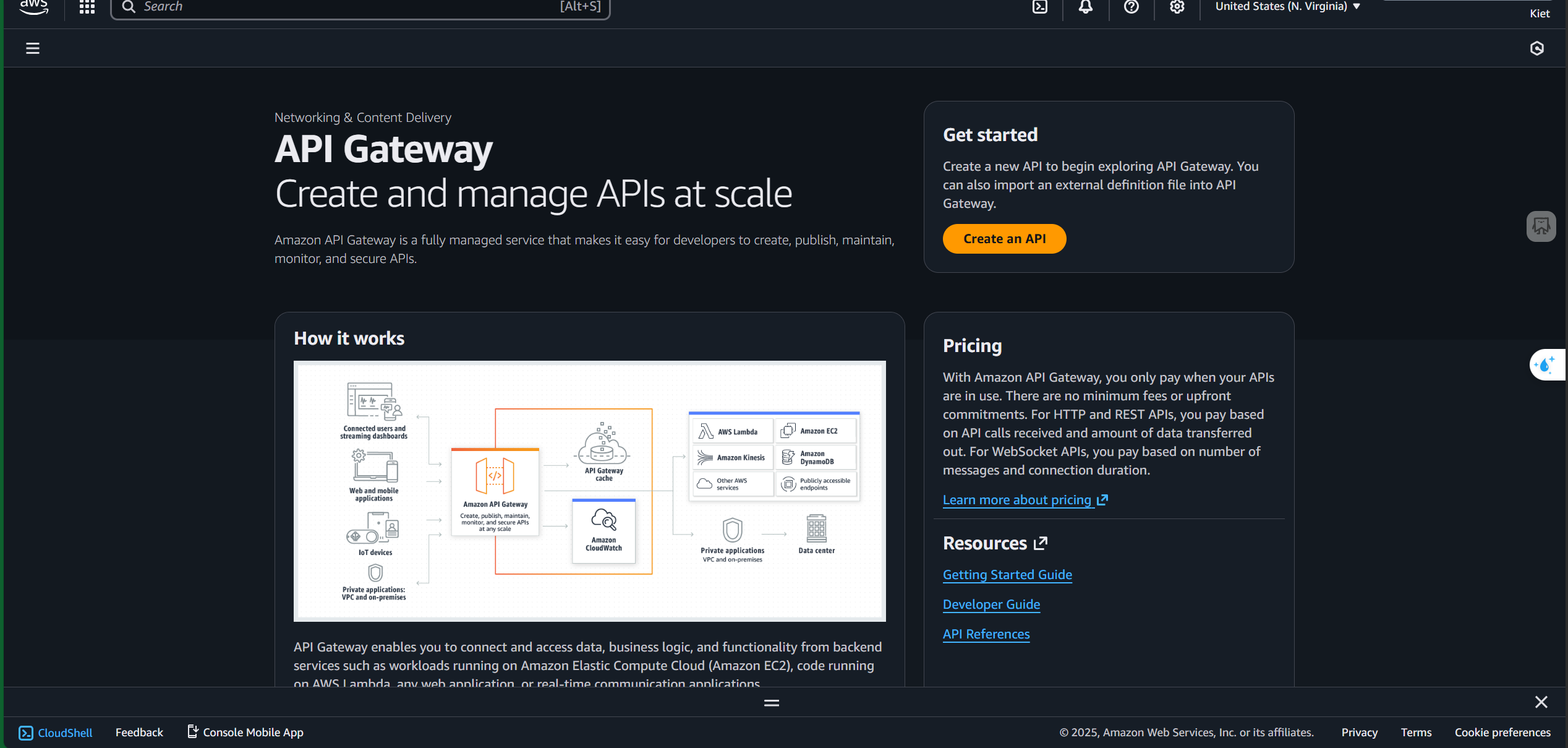
- Click “Create an API”
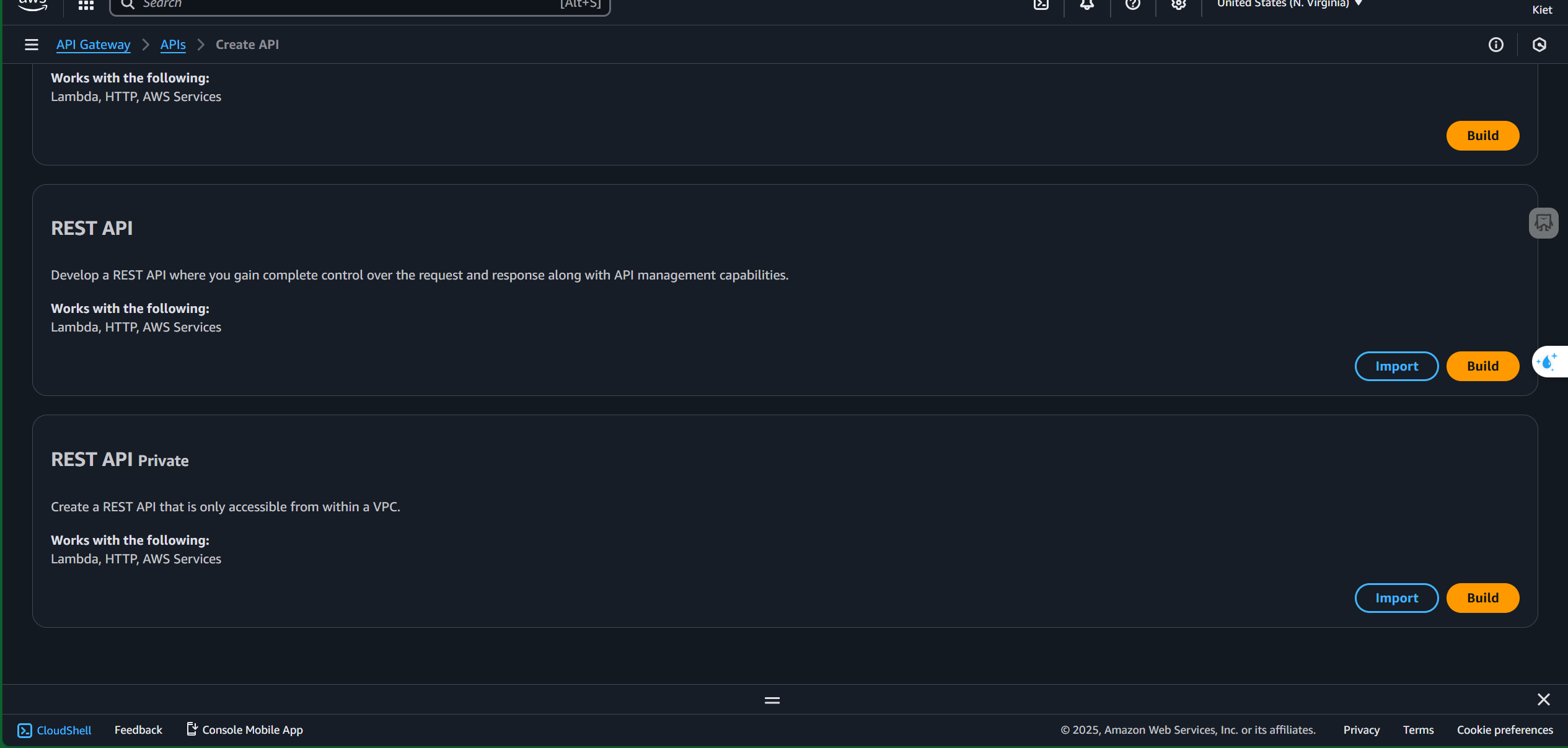
- Select “Build” under REST API
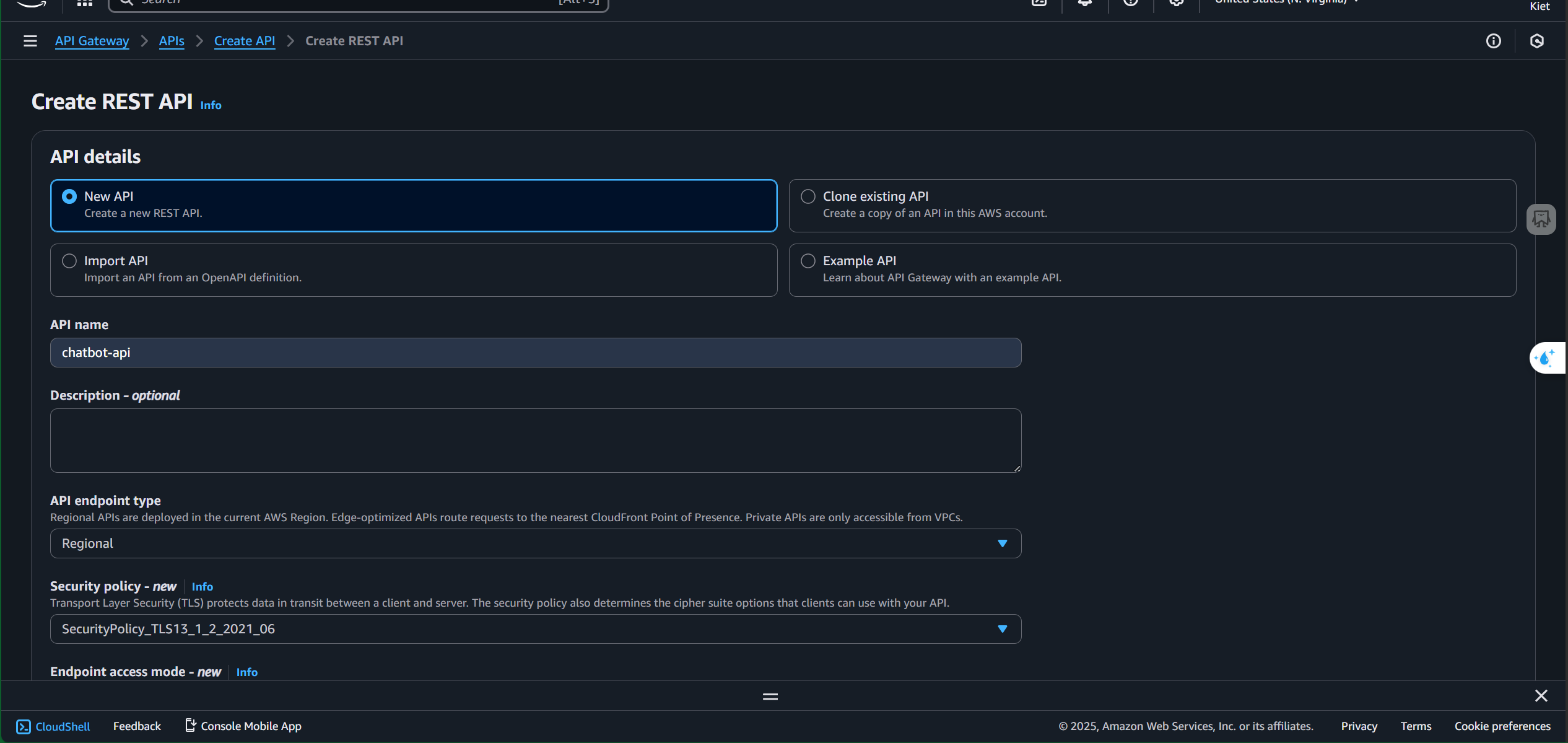
- Enter a name
- Choose a security policy
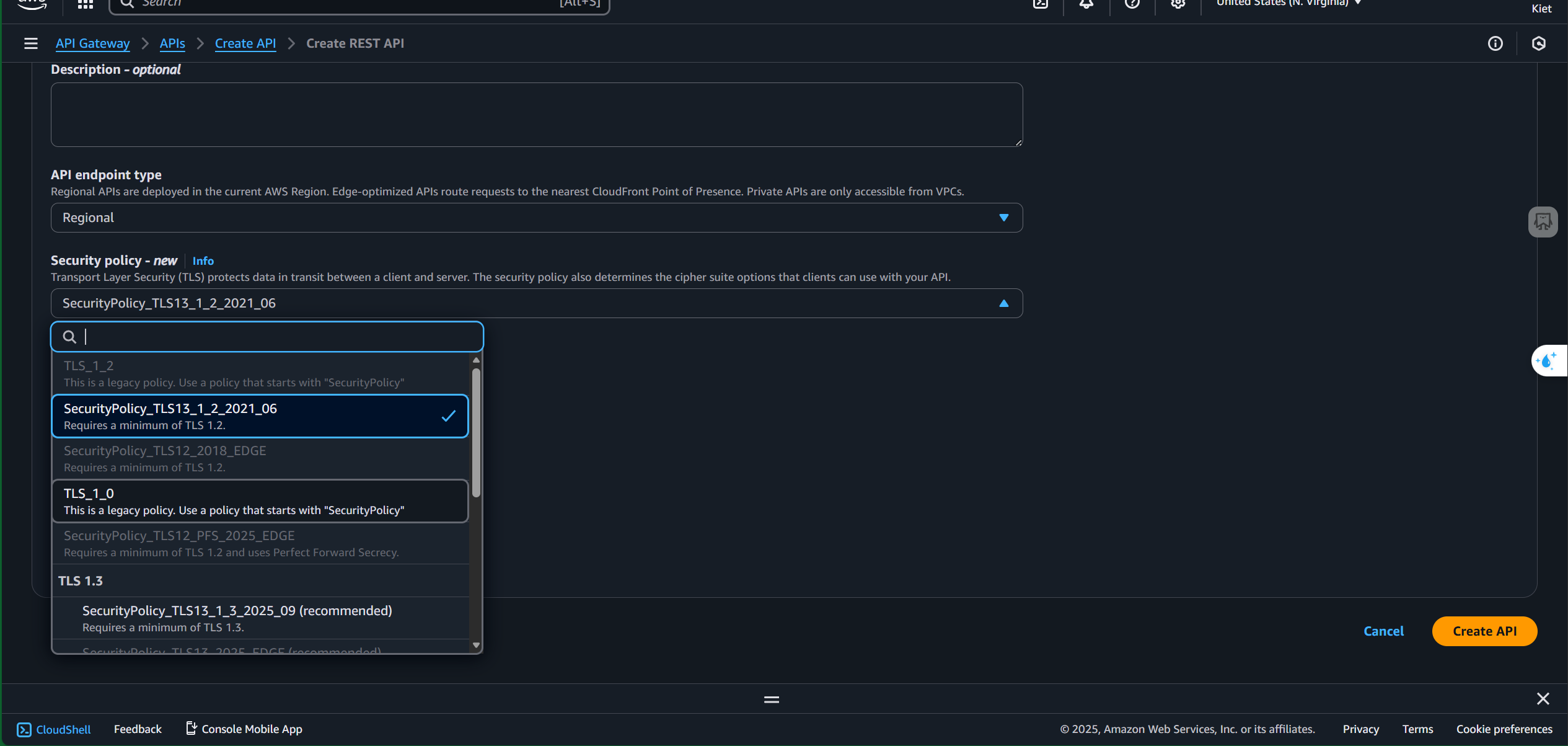
- Click “Create API”
2. Create Resource
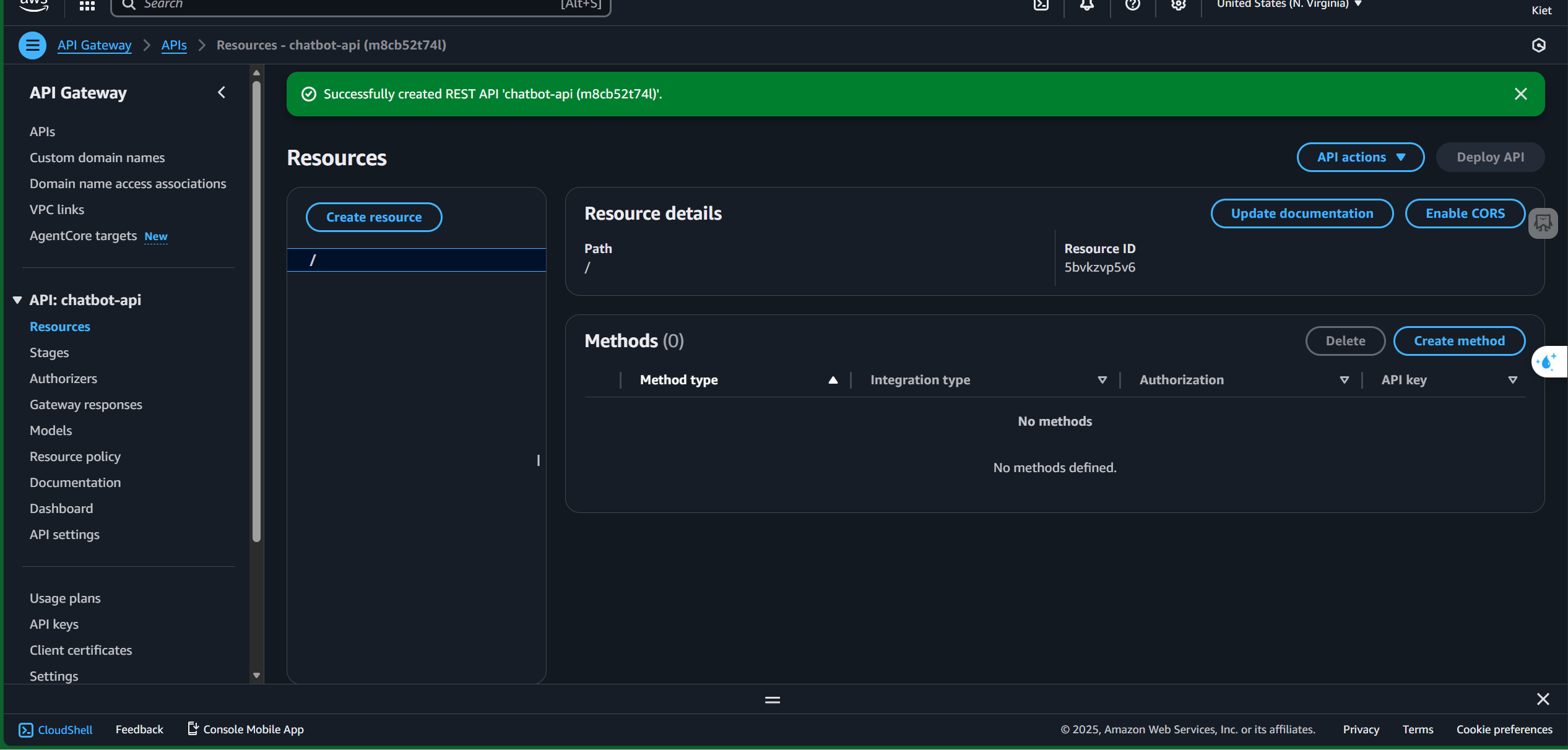
- Click “Create Resource”
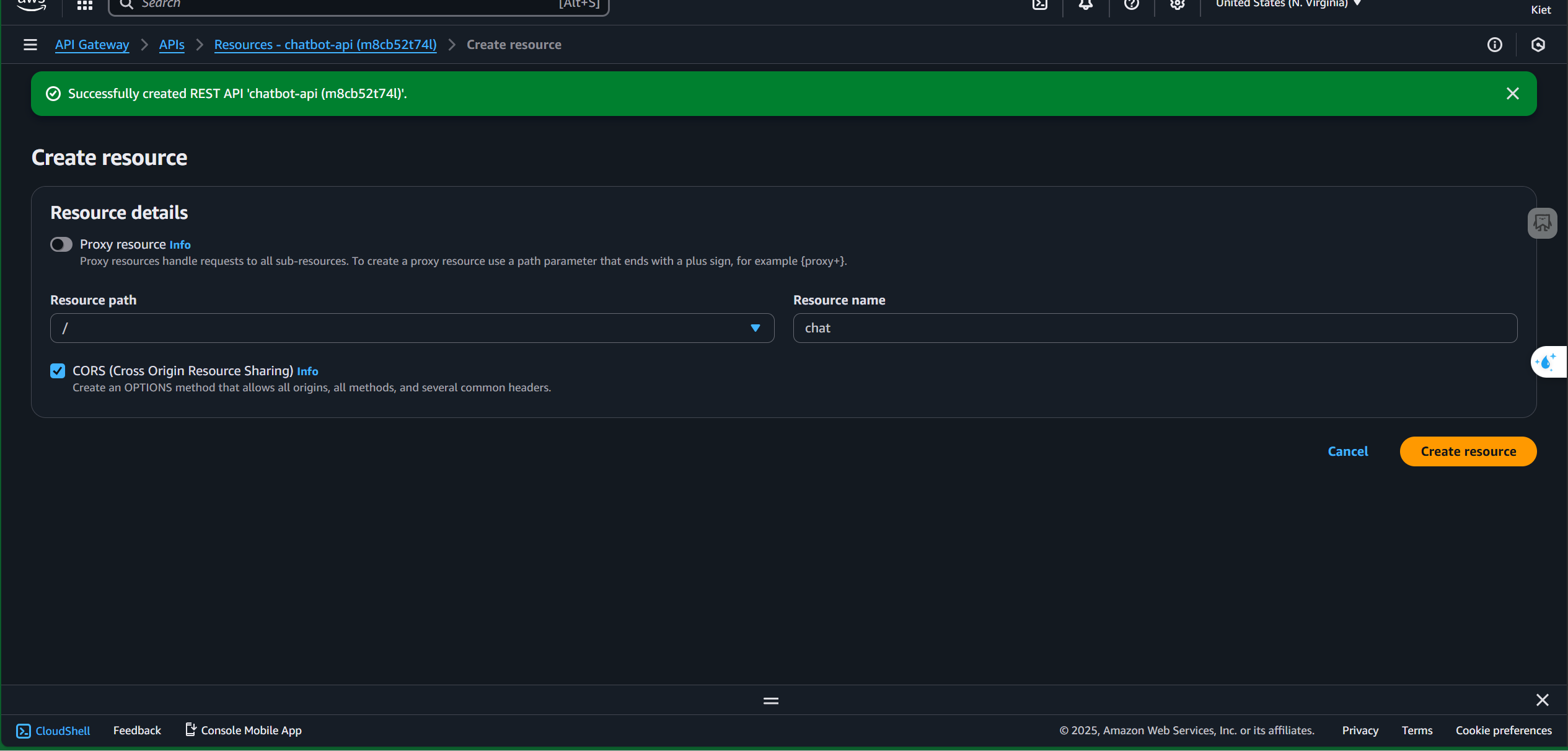
- Name the resource and enable CORS
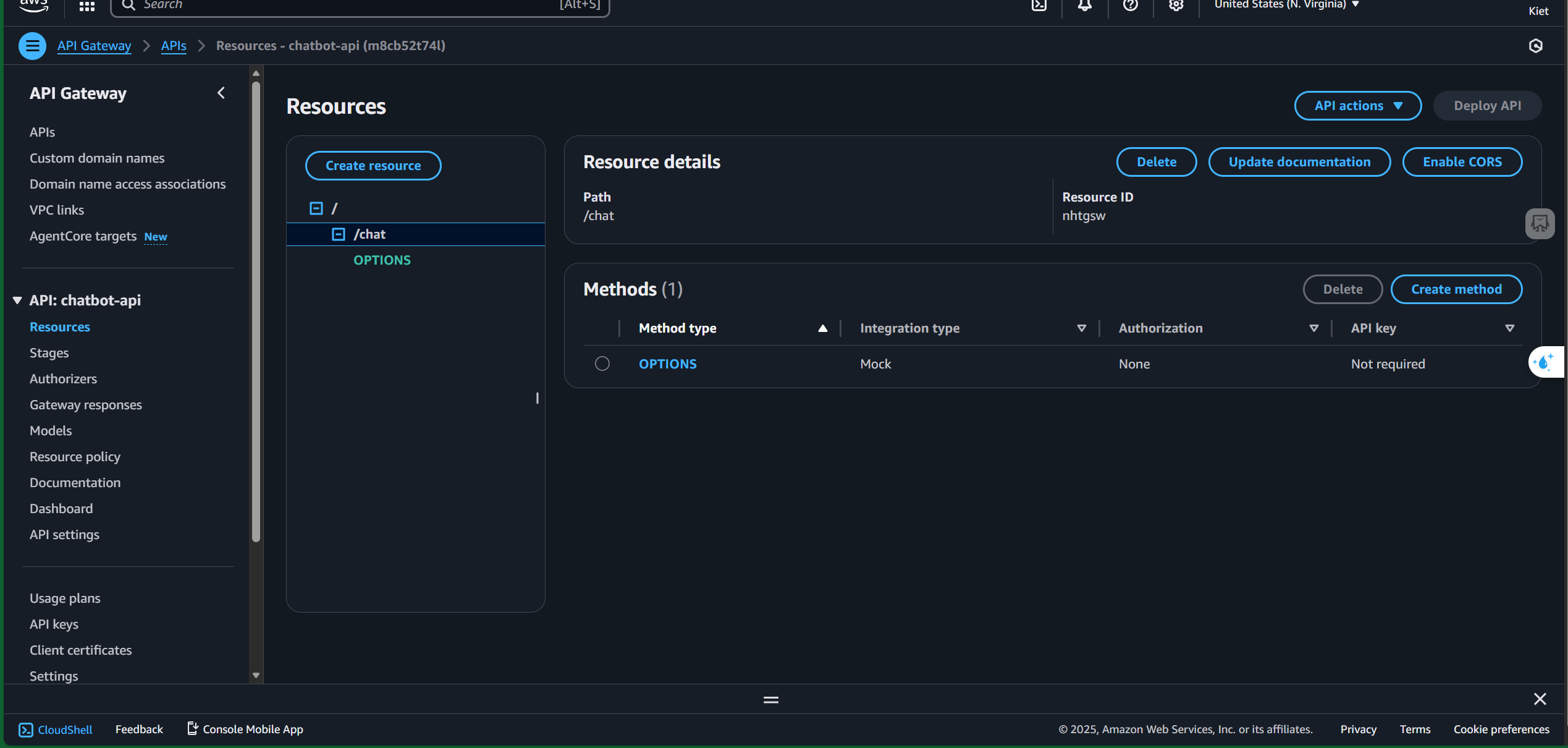
- Click the “Create Resource” button
3. Create Method
- Click “Create Method”
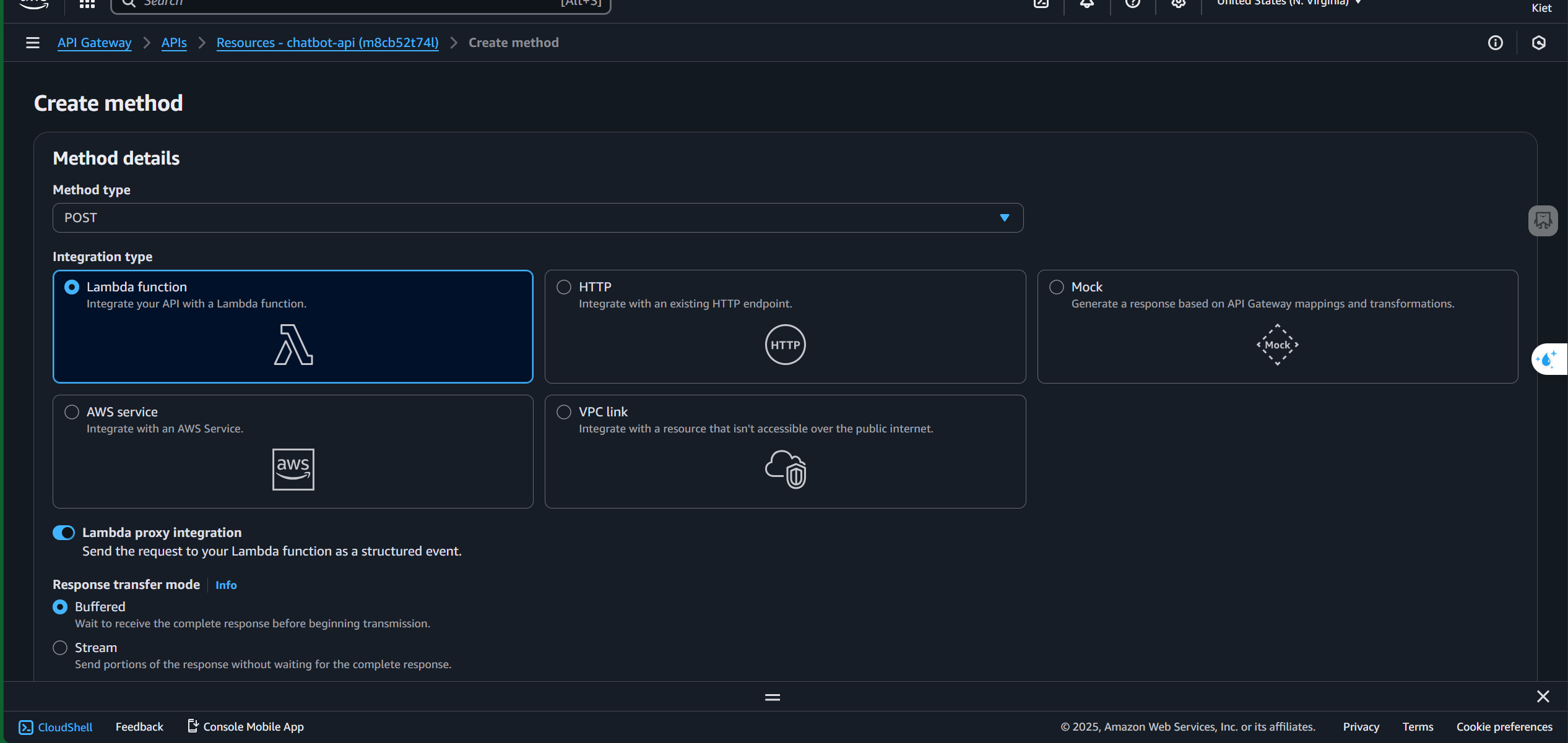
- Select POST and enable Lambda Proxy Integration
- Add the Lambda function ARN
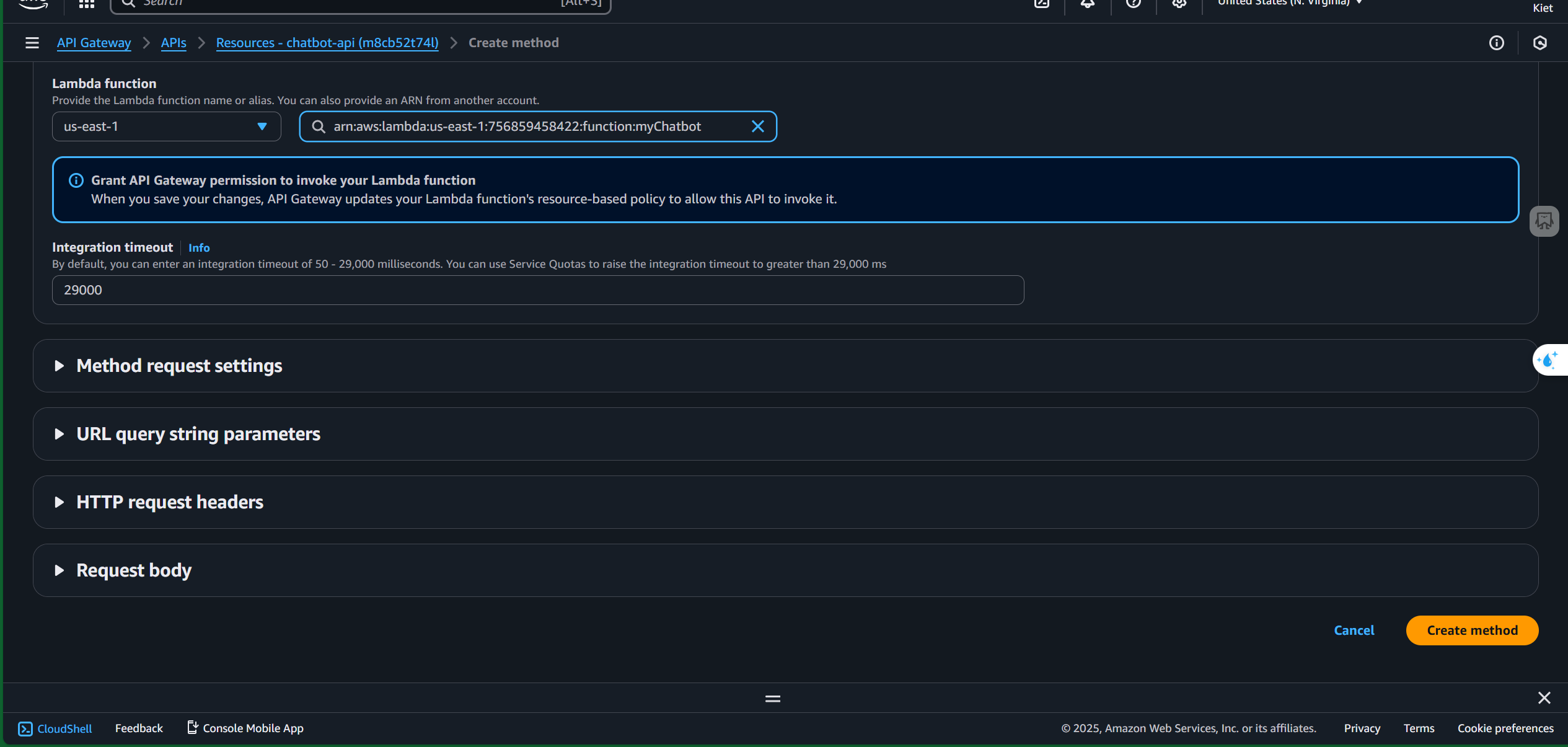
- Click “Create Method”
4. Deploy API
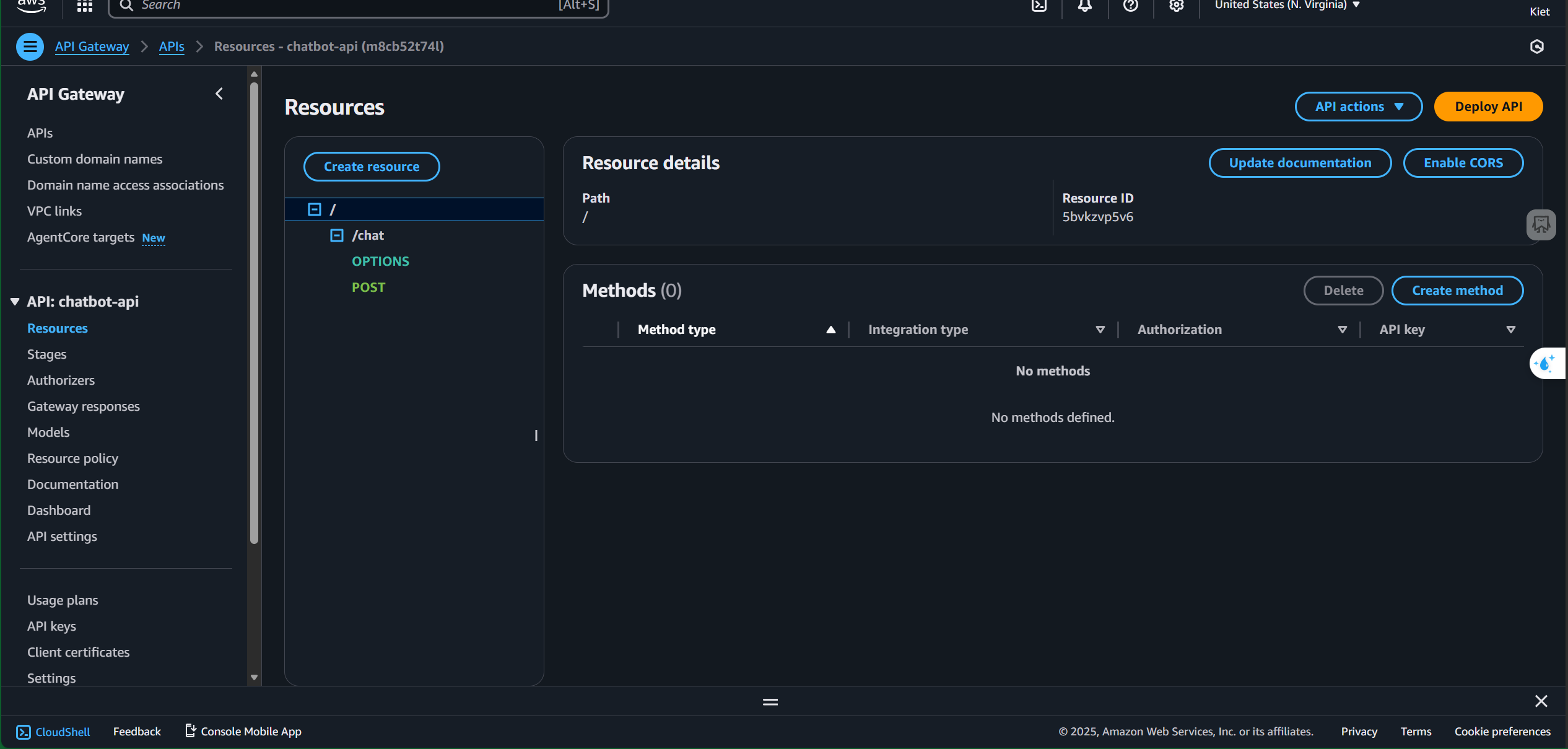
- Click “Deploy API”
- Choose “New Stage” and name the stage
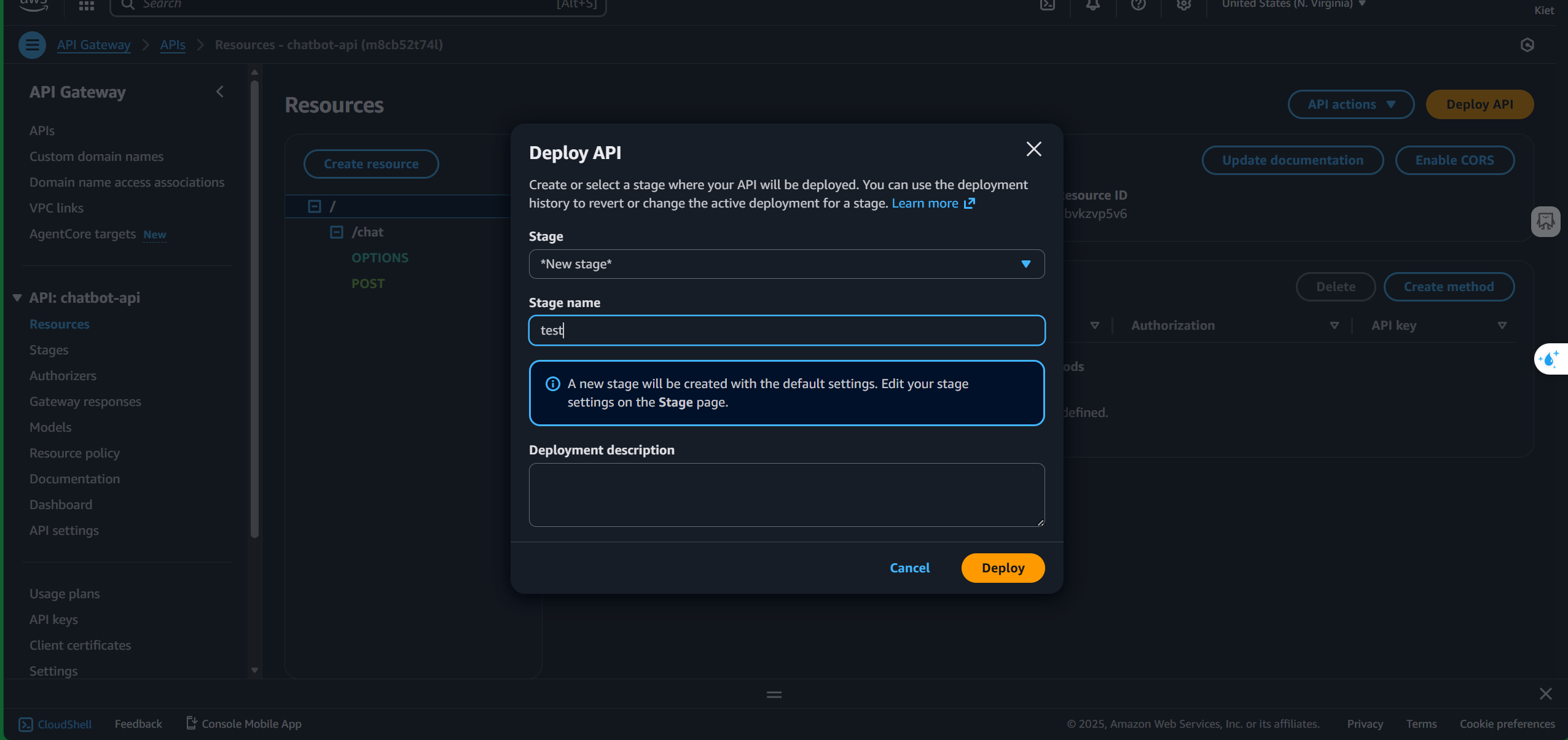
- Click the “Deploy” button
5. Test
After creating the stage, you will get the Invoke URL
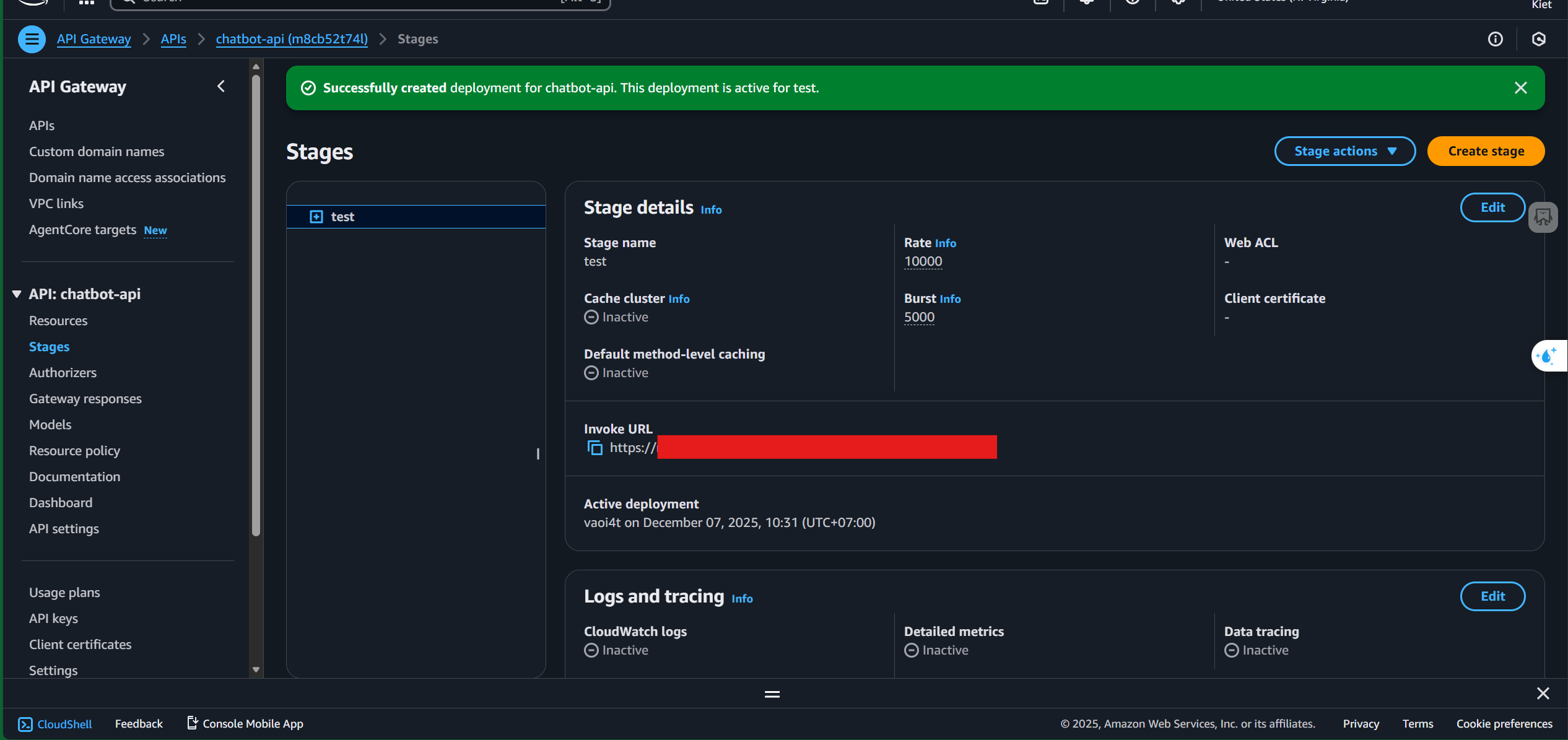
Use the Invoke URL to test in Postman with the format InvokeURL/
, using the POST method 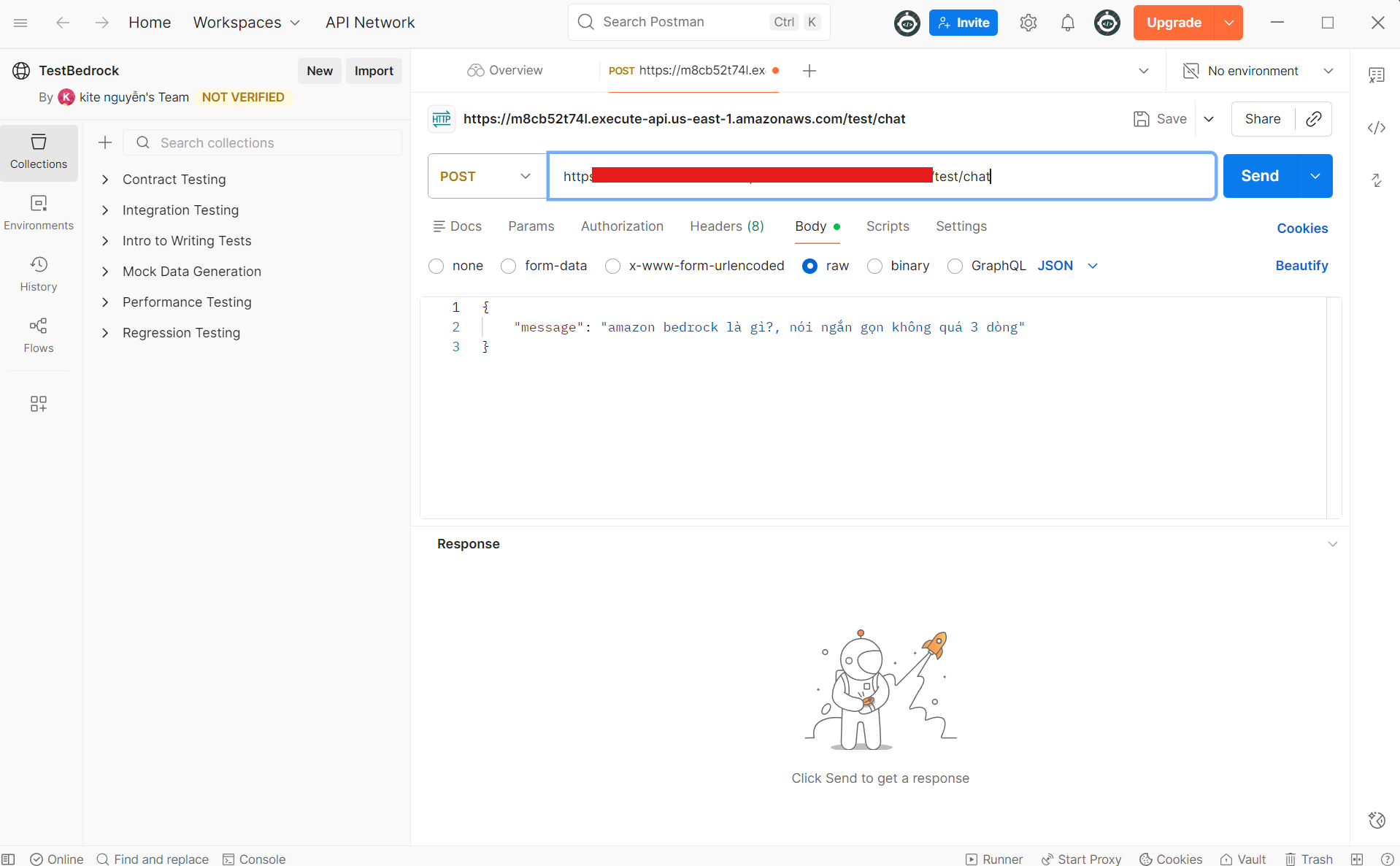
Use the following JSON body:
{ “message”: “What is Amazon Bedrock? Please answer briefly, no more than 3 lines.” }
Click “Send”
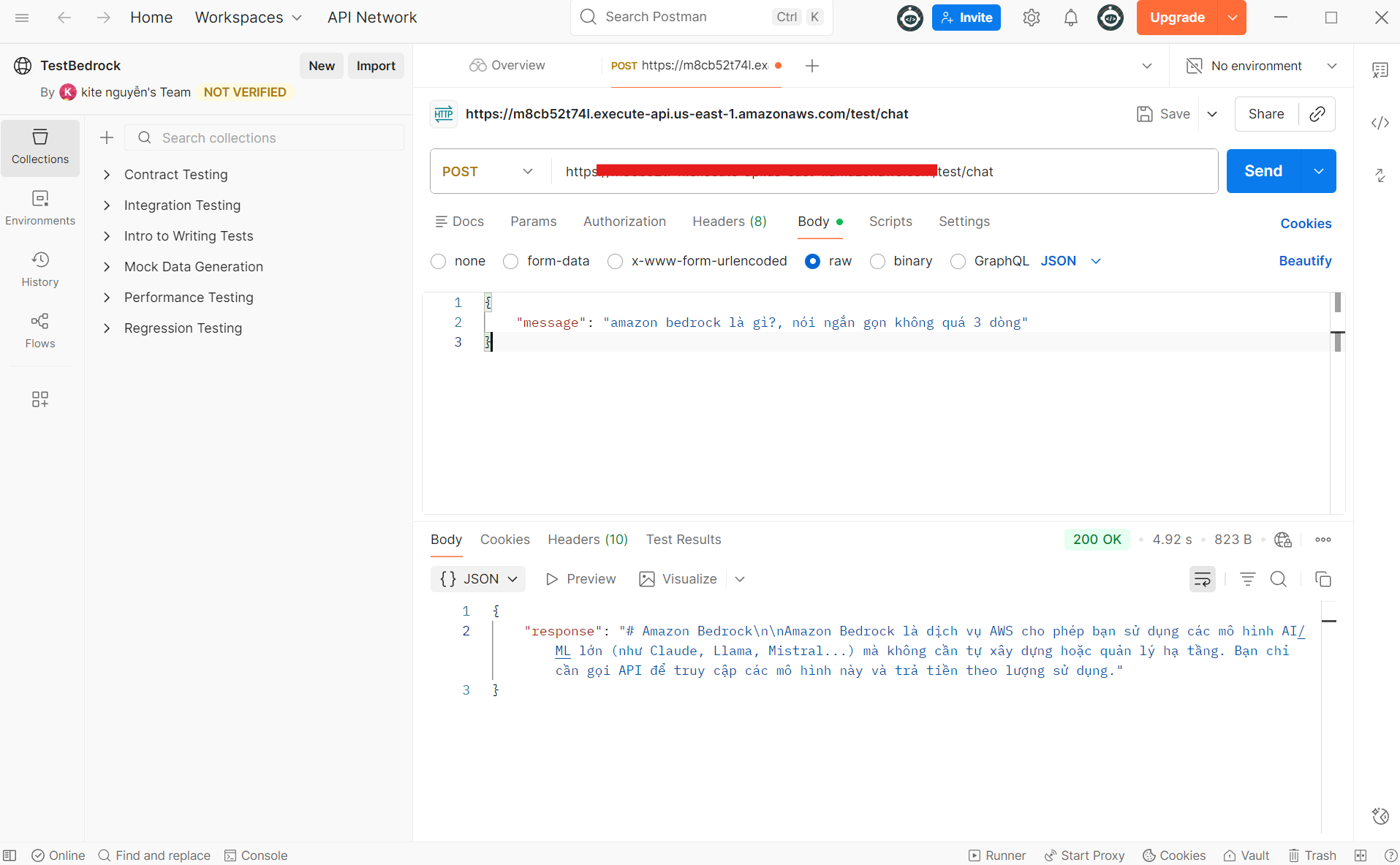
You should receive a successful response