Setup Amazon Bedrock
1. Go to Amazon Bedrock
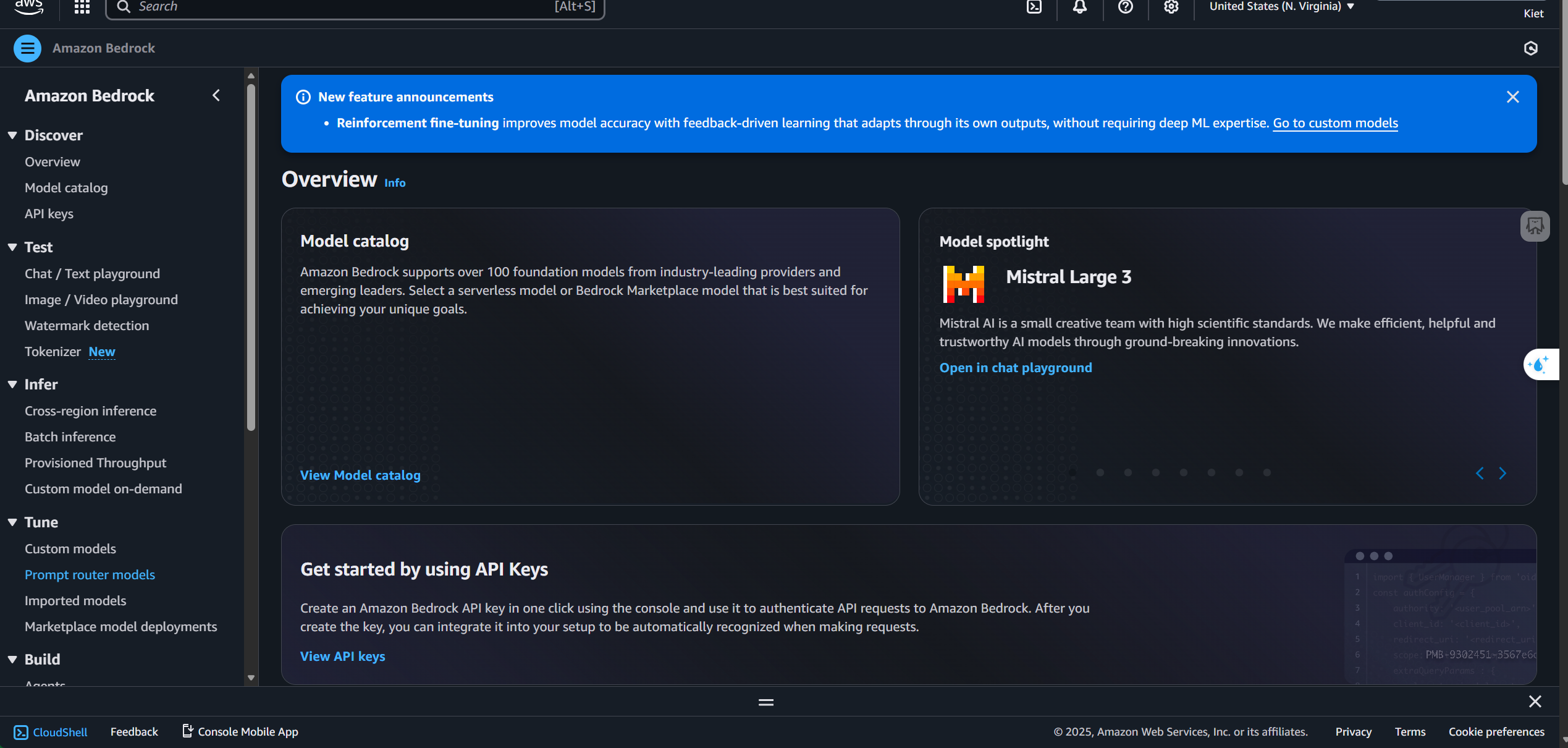
2. Click on Model Catalog to find Claude Haiku 4.5
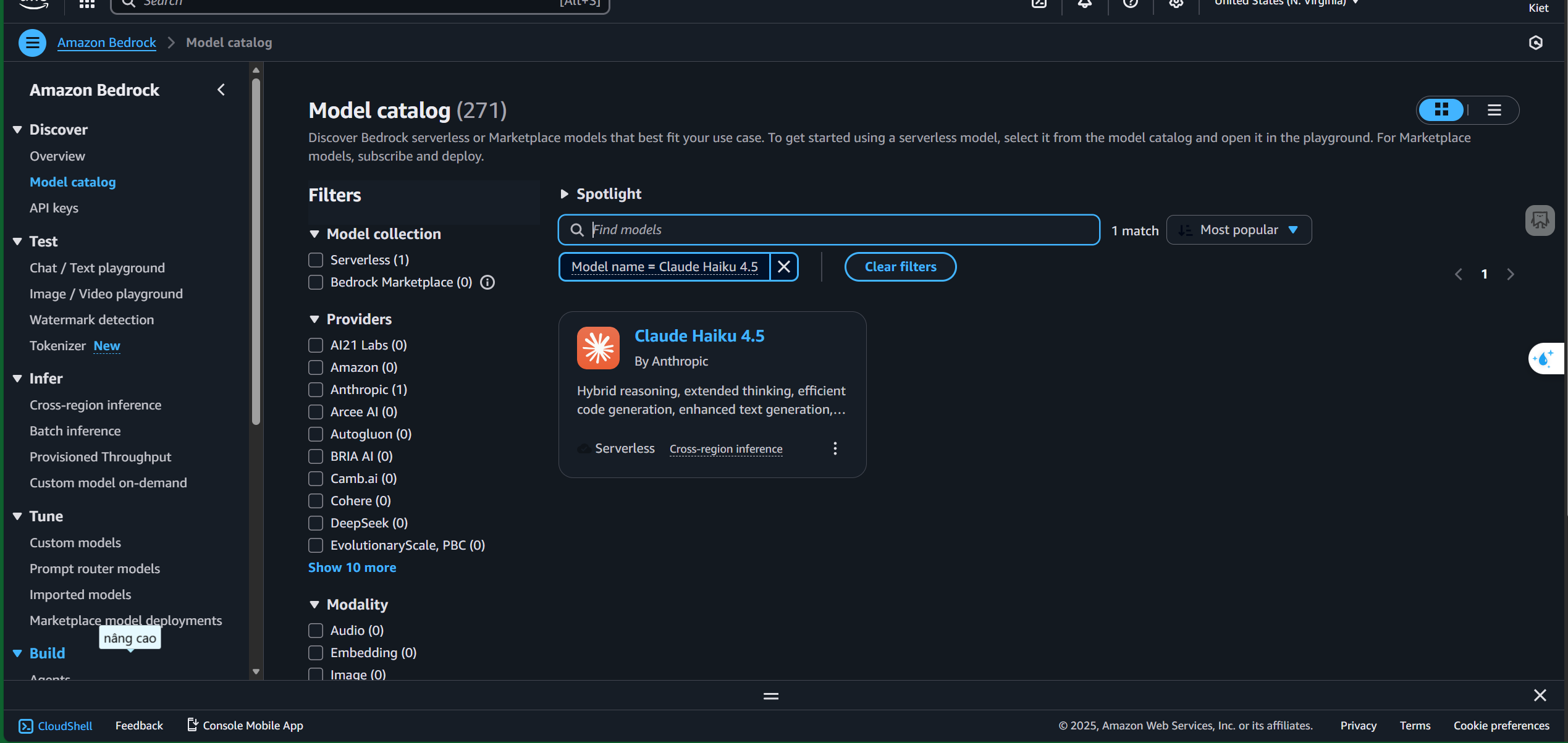
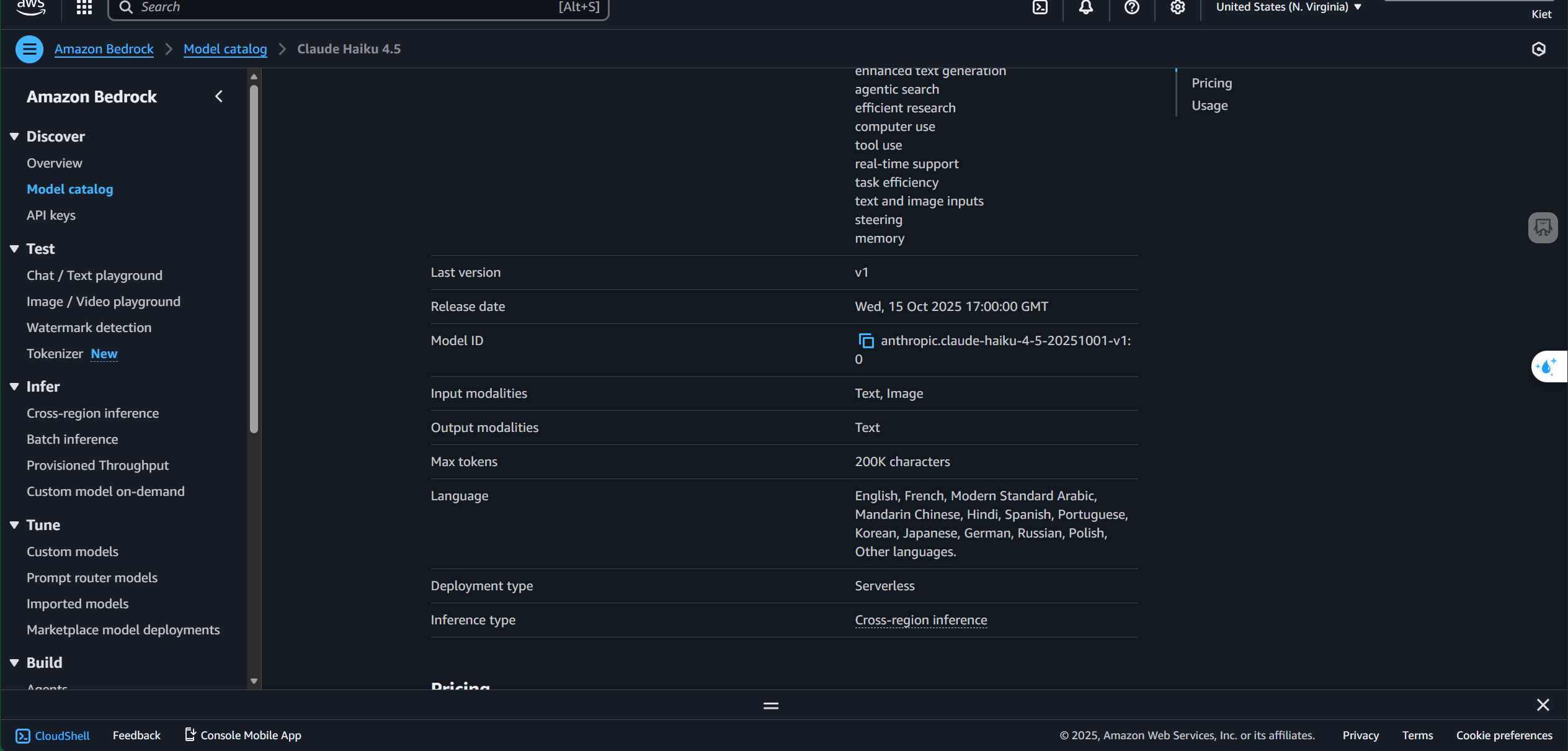
3. Click on Claude Haiku 4.5 and scroll down to find the Model ID
4. You can click “open in playground” to test the model
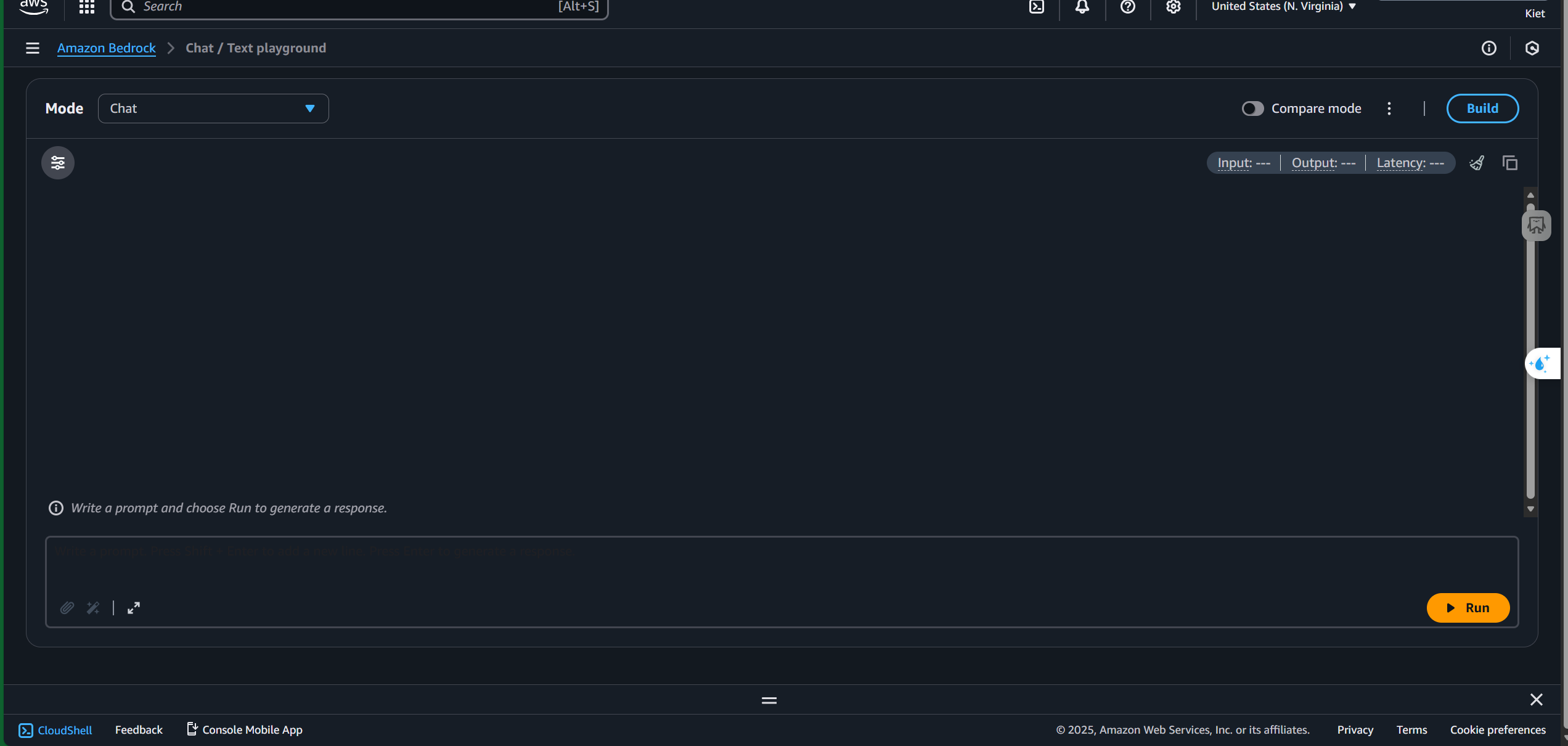
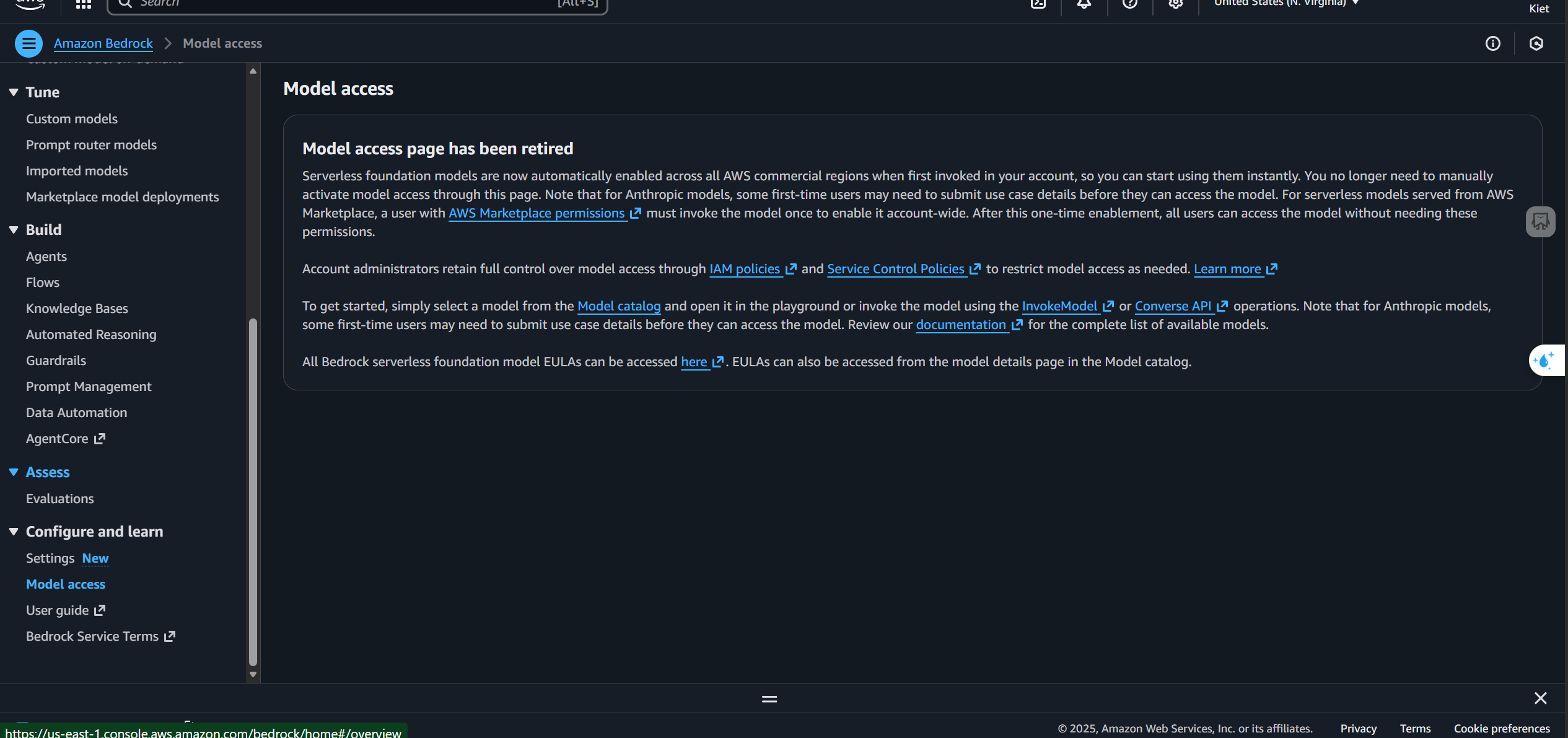
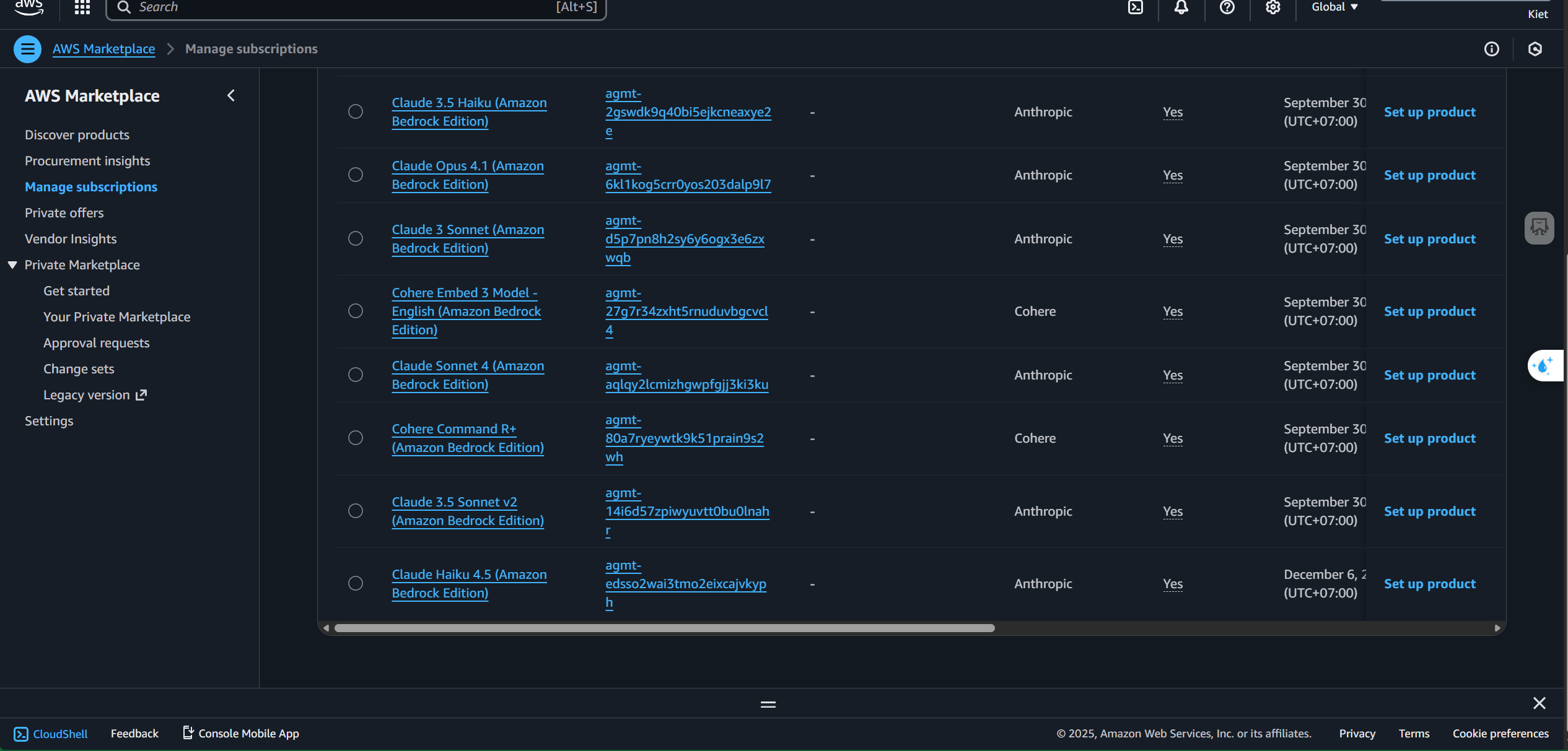
Note: Currently you no longer need to go to model access to request model access. You can directly use the API of a model in Amazon Bedrock with an IAM account that has AWS marketplace permission once you call the model once to activate it
References: https://docs.aws.amazon.com/bedrock/latest/userguide/model-parameters-claude.html https://docs.aws.amazon.com/bedrock/latest/APIReference/welcome.html